Ketcher Developers Manual

Installation
The installation package contains all required sources.
To run Ketcher in a separate page, use ketcher/index.html:
<a href="ketcher/index.html">Ketcher</a>
To embed Ketcher in another page, use IFrame:
<iframe id="ifKetcher" src="ketcher/index.html" width="800" height="600"></iframe>
Access Ketcher
To access Ketcher from JavaScript, use the following code to obtain the object reference:
var ketcher = ketcherWindow.ketcher;
where ketcherWindow is a separate Ketcher window or

var ketcherFrame = document.getElementById('ifKetcher');
var ketcher = null;

if ('contentDocument' in ketcherFrame)
    ketcher = ketcherFrame.contentWindow.ketcher;
else // IE7
    ketcher = document.frames['ifKetcher'].window.ketcher;
where ifKetcher is a Ketcher IFrame.
setMolecule()
This method updates the current structure in the editor. Pass it a SMILES string or a Molfile/Rxnfile:
ketcher.setMolecule('c1ccccc1');
Note: SMILES import is not available in the standalone mode.
getSmiles()
Exports current structure as a SMILES string.
getMolfile()
Exports current structure as a Molfile/Rxnfile string.
addFragment()
This method switches Ketcher to the fragment insertion mode where a user can specify where to the provided fragment. Pass it a SMILES string or a Molfile/Rxnfile:
ketcher.addFragment('c1ccccc1');
Note: SMILES import is not available in the standalone mode.
Ketcher interaction example
You can look at the source a web page with embedded Ketcher here where the web page interacts with a Ketcher object using this API.
Ketcher Server
The current version of Ketcher has a sample implementation of the server side. A simple Python script ketcher.py listens to the port 8080 and has four interfaces:
| Query | Action | Type | Parameters |
|---|---|---|---|
| knocknock | Server availability check | GET | ------------- |
| open | Query for loading files from disk | POST | filedata |
| save | Query for saving files to disk | POST | filedata |
| layout | Query for converting SMILES to Molfile | POST | moldata |
| automap | Query for reaction auto-mapping | POST | moldata, mode |
| aromatize | Query for aromatization | POST | moldata |
| dearomatize | Query for dearomatization | POST | moldata |
Indigo binaries and Python wrappers are required to perform automatic layout, atom-to-atom mapping or SMILES import. Ketcher server script can be executed as a standalone application and also can run under WSGI.
How to add cutom icons into Font Awesome
Open IcoMoon
Click button on the top

Click import button to import your font awesome library(svg file)

The you can see the icons on the page
Click import to set to import cutom svg icons
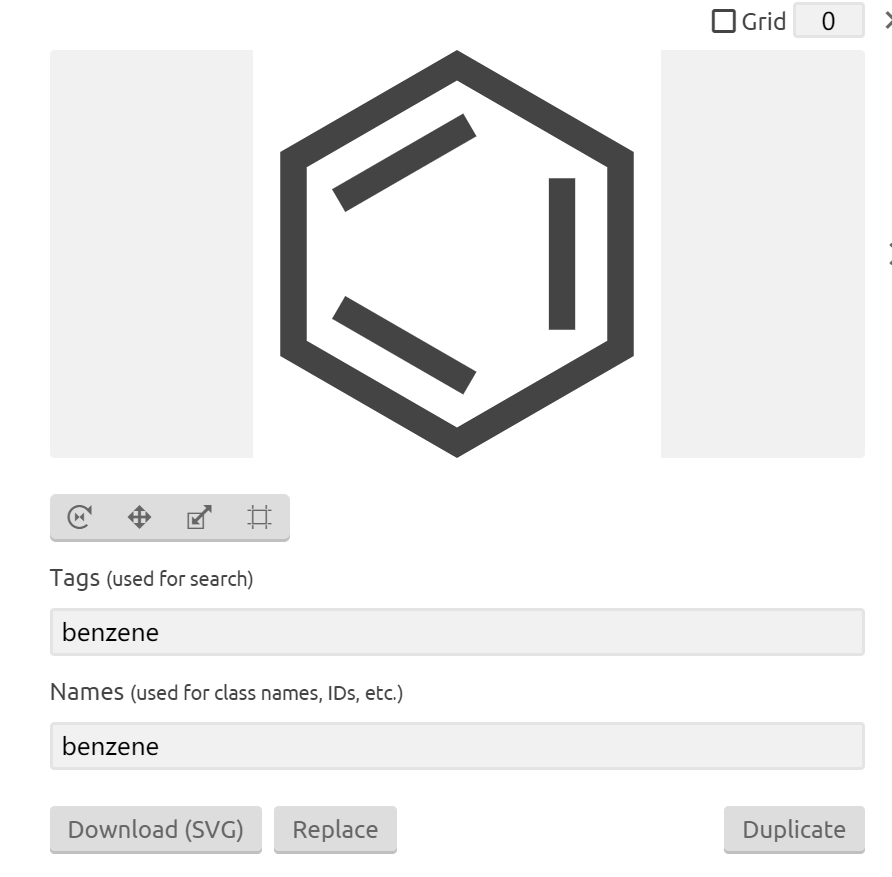
Click the improted icon and edit it's properties
Finally click Generate Font to download custom font library